 RSS
RSSWe Need To Talk About RSS
15 August 2026
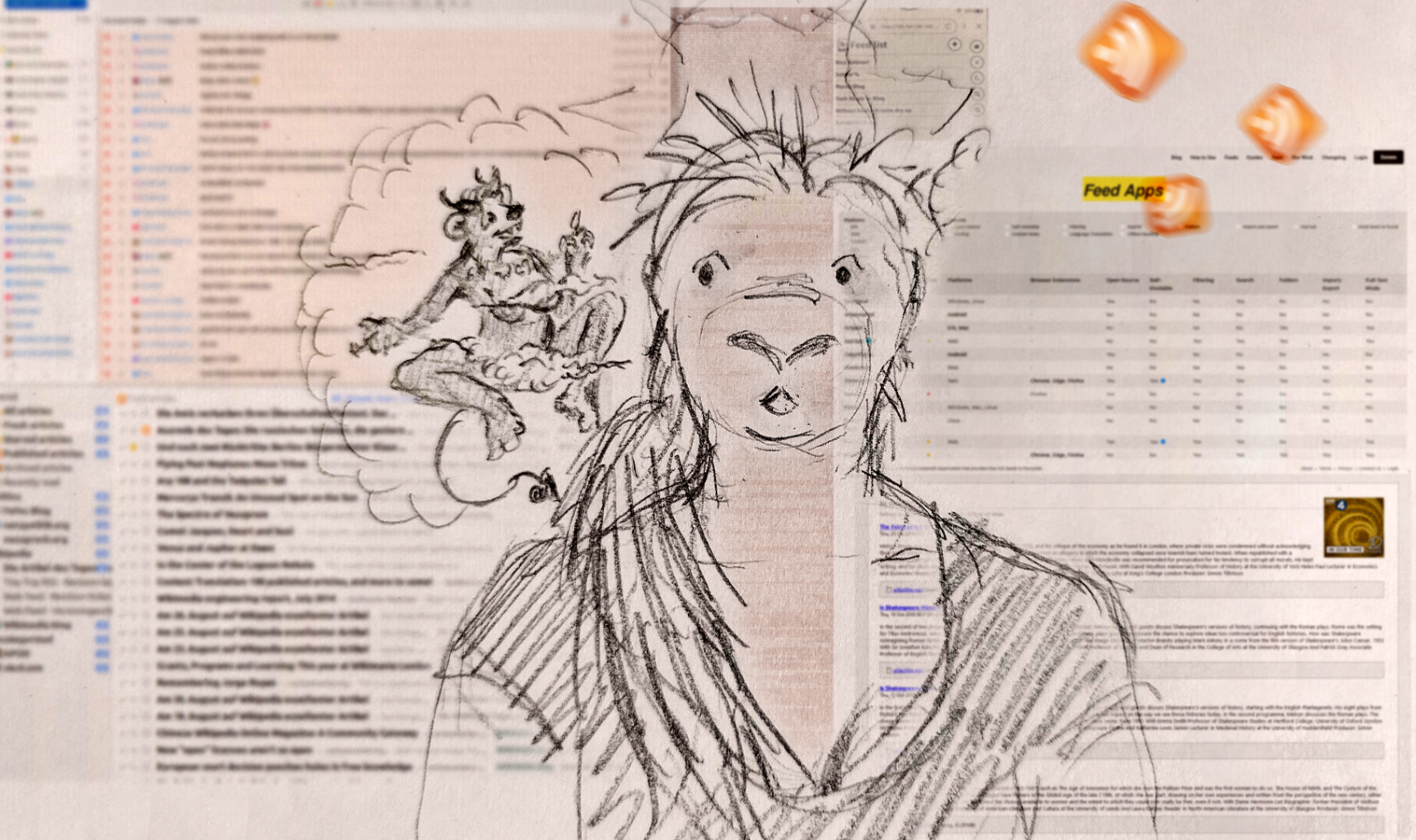
I've been talking back and forth with my metamour Zoe (who drew the above image) for the last few years about RSS, a format that we both deeply love and are somewhat frustrated by. Not frustrated by the format, per se, but the situation it is stuck in. It's sort of like watching the weeds grow over a bicycle on a porch: a well-designed machine that can do a lot and is very useful, but the city clearly doesn't have enough bike lanes, so it never gets used, and slowly rots.
Recently Zoe made a great joke saying you could "subscribe to her substack" with a link, and instead it pointed to the RSS feed for her blog. I personally found this an immensely funny joke and congratulated her. Meanwhile, users on sites like Tumblr and Bluesky were deeply confused, and wrote her questions about it. So she took the time to write her own treatise on using RSS, which I'm going to link here and build on: Please read it!
is is: a series of big blocks of data that tell you things like: what each of the last [number] of blog posts are, what the title of each is, what the date for each is... [...] you can write them in notepad if you really wanted to!
As she astutely identifies, RSS is a file format which lists an index of articles, and all the information you might need to browse and select the latest ones. I'm not going to go much more into the breakdown of the format and how it operates, because she does an excellent job of doing so (especially for less technical audiences) and I would rather you read her blog first. Seriously, go do it!
Okay, so why do I want to use it?
It's very common nowadays to use social media for feeds, especially because microblogging is all the rage right now. But we've seen a return to long-form regular blogging lately, especially for people burned out from the social media attention economy game. There are many great people whose RSS feeds you can follow, who you can get much more articulate thoughts than just from a microblogging post.
It also means you can read posts on your own time without missing them. Or even with missing them if you use a reader with that focus. You also are often able to use more in-depth features, like tagging, categorization, and filtering, which can be useful if you want to keep up with news sites.
It also can be used in some cases to follow social media accounts like Bluesky, Tumblr, or Mastodon without signing up. In the case of Mastodon, this lets you read public posts. In the case of Bluesky, this lets you read every single post the person makes, regardless of their desire for privacy, and this is by design. There are even feed readers you can get with the express purpose of mixing Mastodon, Bluesky, and RSS into one social feed.
So how should I read it?
Like when talking about calendars and rolodexes, there's actually many pieces of software you can use to keep track of an read RSS feeds. Some people prefer a reader application, and others prefer web readers. Formally these applications are called "aggregators" but I have seen it much more common to call them "readers".
Reader applications
The main advantage of a reader application is that it runs entirely locally, and it updates when you need it to. IF you go on vacation for a week, when you come back and update your feeds it will grab the latest articles - and won't have wasted time every day in-between looking for them. This can save a lot of power and data compared to a web reader which may continuously update even when you don't need it.
Many readers also support fetching full-content of their feed items. If your reader has this, then you can fetch all your latest articles, save them locally on the device, and read them wherever. You control where and when the data is used, and can then take those articles with you. It's like taking a newspaper when you go camping.
Web readers
The main advantage of a web reader is that if you're somebody with a lot of different devices you can access your feeds all in one place. I like reading on my laptop when I travel, and on my desktop at home, and some folks like reading on their eReader! With a web reader your feeds are always available no matter where you are, as well as your read status for each article. Many web readers also support application clients, so you can have all the features of a pristine native application with all the synchronization features of a web reader.
The downside is that this often costs more data, as your reader probably is checking for updates on its own passively, and you have to connect to it and ferry article data back and forth between the web reader and your client. There may also be service feeds if you are using a proprietary reader, or maintenance work if you are self-hosting.
Okay so what do I pick?
There's a lot of good information about feed readers out there, so much so that it is overwhelming. Instead, let me present to you a table based on a combination of Wikipedia's comparison article and my own research. That Wikipedia article contains a lot of similar applications that are a little outside scope, so I think paring it down is a good idea.
That's what I originally did. And then I discovered OpenRSS.org has their own brilliantly searchable table of applications that lets you find literally whatever you might need when it comes to a reader. Seriously, it's really good! Check it out. Just select a Platform, then whatever Features you think would be good!
To expand a little bit on that, I've provided a short table of my own top picks:
| Name | Web / App | Freedom | Platforms |
|---|---|---|---|
| Tiny Tiny RSS | Web | Libre | Web, 3rd-party clients |
| NetNewsWire | App | Libre | macOS, iOS |
| Mozilla Thunderbird | App | Libre | Linux, Window, macOS, FreeBSD |
| Capy Reader | App | Libre | Android |
| RSSOwlnix5 | App | Libre | Linux, Window, macOS |
| Fluent Reader | App | Libre | Windows, macOS, iOS, Android |
Finding feeds
As Zoe mentioned in her post, both of use a Firefox extension called RSSPreview to find and preview feeds on pages. I think you shouldn't use the browser from the evil planet-destroying company so if you really need an extension for Chrome you can find one yourself.
There's also something interesting called OPML. OPML is a formatting system used by a lot of feed readers to bundle together all your subscriptions and save them in a backup. You can then take this backup and pass it around to other people, so if people are looking for feeds they have somewhere to get started. You might be thinking that sounds really cool, and a lot like the "starter pack" craze which has taken over social media! That's because: it is the same thing. :)
It's worth noting that sometimes OPML files don't always play nice between two readers. There's some strictness (or lack-there-of) on which elements are necessary, which some clients may omit and then other clients may not recognize. For example, when Zoe and I were experimenting OPML operability between RSSOwlnix and Thunderbird, we discovered that RSSOwlnix does not specify the type="rss" attribute on every feed line, likely because it is obviously redundant. However, without that attribute, Thunderbird skips the feed.
Starter Packs
You can find OPML bundles of feeds to follow in a bunch of places online, but here's some places to poke around if you're curious:
- Awesome RSS Feeds
- Starter Packs -- You Need Feeds
- IndieWeb OPML Examples
- Caffine & Lasers - Starter Packs
Personal Recommendations
- Me!
- Storming the Ivory Tower - essays by Zoe
- harmony corpsepit - essays by thecatamites
- The Transsexual Chofetz Chaim - essays by Shel Raphen
- Sightless Scribbles - writing by Robert Kingett
- Greatures - a comic by KC Green
- APTN News - News about First Nations, Métis and Inuit peoples
- LOW←TECH MAGAZINE - Essays and examinations of technology from a historical un-alienated perspective
Advanced Topic: Bridging Feeds
So you got through all that and your eyes are sparkling with conviction. You've seen the light and you want to really push things to the next level... you want to follow silo'd social media through your RSS reader. Well I have good news and bad news: the bad news is, for a lot of these like Instagram, Facebook, X, it's simply not possible any more. And unfortunately the wall is closing tighter. Even sites which used to provide open RSS backends have been slowly closing them off... or hiding them behind CloudFlare (which blocks anything which isn't a web browser (RSS readers)). Hey if you're a site owner who uses Cloudflare, could you see about turning that shit off for your RSS feed, at least? I'd like to read your site.
I've spent a lot of time on this because I, personally, don't really like social media. I use Mastodon, and Discord under extreme duress. So I've looked a lot into how to bridge various services, and sometimes the result is cool and easy! And other times it sucks.
Built-in Feeds
The easy ones are the ones which have secret RSS feeds already running. I'll provide guides to each of them here:
- Bluesky: Append
/rssto the profile. (Example) - Github: Various, see this blog post by Ronalds Vilciņš
- Mastodon: Append
.rssto the profile. (Example) - Medium: See official help article.
- Nebula: See official help article.
- Tumblr: Append
/rssto the profile. (Example) YouTube: Has built-in feeds that should show up in a detector after you refresh the page.UPDATE 2026/08/19: All YouTube rss feeds have begun returning 404 errors over the last 48 hours. I think it's fair to assume they're on the way out.
From there you then have two paths: bespoke bridges, and multi-bridge services. Bridges in general are web applications that you can point your RSS reader at, and they will convert a feed from a silo into an RSS feed for your reader. Bespoke bridges are often the most reliable, but the most frustrating to set up. Multi-bridge services benefit from having many hands working on many parallel problems, and thus being able to share work.
Third-party Bridges
There are some paid options for bridging, which I've never really tried, so I'm going to focus on free-to-access bridges. Some of these can be self-hosted! I'm not going to list all of the bridges available from each service, just the ones I find notable or have personally used:
- OpenRSS.org: a nonprofit which runs a bridge for many services including: Bandcamp, Bluesky, Facebook, Github, Lemmy, Reddit, Substack, Threads, TikTok, Twitch, YouTube
- RSS-Bridge: Libre project which is easily self-hosted in PHP, with DOZENS of bridges for many esoteric sites. Notable services include: AO3, several boorus, Flickr, Newgrounds, Pillowfort, Steam, YouTube Posts
- Better Itch Search: a bespoke bridge for itch.io that lets you turn any search into an RSS feed.
There also WAS the formerly-brilliant RSSHub, which has since been slopified and entirely propped up by one of those despicable RSS "AI Summary" readers, which I personally believe are a blight on society. I've found what appear to be a few people's personal attempts to fork the project before AI was known to be added to it, but I can't point you to any running instances of them so I'd rather not.
It might be surprising to hear, but this is how I interact with the majority of my internet every day! I don't go on Bluesky, I fart around on Mastodon a bit, but then I just browse my feeds! This also isn't even new to me. I came of age on the cusp of RSS 2.0 and Atom being fresh new tech, and I've been a devout RSS reader ever since! It's so freeing to just follow interesting people and get to read their words without all the noise and clutter of timeline-this and trending-that. When I find something I like, I can follow it. And I don't need to ring any bells or change any settings or fuck around with the hope that some company might hide a post from me.
We solved this problem already. We know how to keep up with interesting people. We know how to do starter packs! And I think it's time we brought them back. We can have an open internet, as long as we remember what they tried to take from us.
Updates
- 2026-09-06: Added official information for Nebula.
- 2026-08-20: Added Better Itch Search and redacted YouTube information as it has gone down.